By: Mary Alys Foutz, a Marvelous Mouse Travels agent
What’s a data pad you might ask? It’s your mobile device. In true Disney fashion, even your cell phone gets a special name while on the Galactic Starcruiser. This is just one small way that your adventure is completely immersive.
In this article, you will learn about how to set up your data pad and how to utilize it during your cruise.
Important Notes:
- While there are screenshots of the data pad below, there are no spoilers included.
- Your specific schedule may be different than the photos shown.
Setting up your Starcruiser Data Pad
Upon arrival at the Galactic Starcruiser, you will be instructed to make sure you have the most up-to-date version of the Play Disney app. This is where all communication will be provided during your experience.
Your adventure begins as soon as you are waiting in line, so you will want to be sure that your device is fully charged and ready to go. Set up is very quick and easy! Once into the app, it will provide a brief tutorial of what to expect when using it.
Data Pad Functions
Your data pad has five major sections:
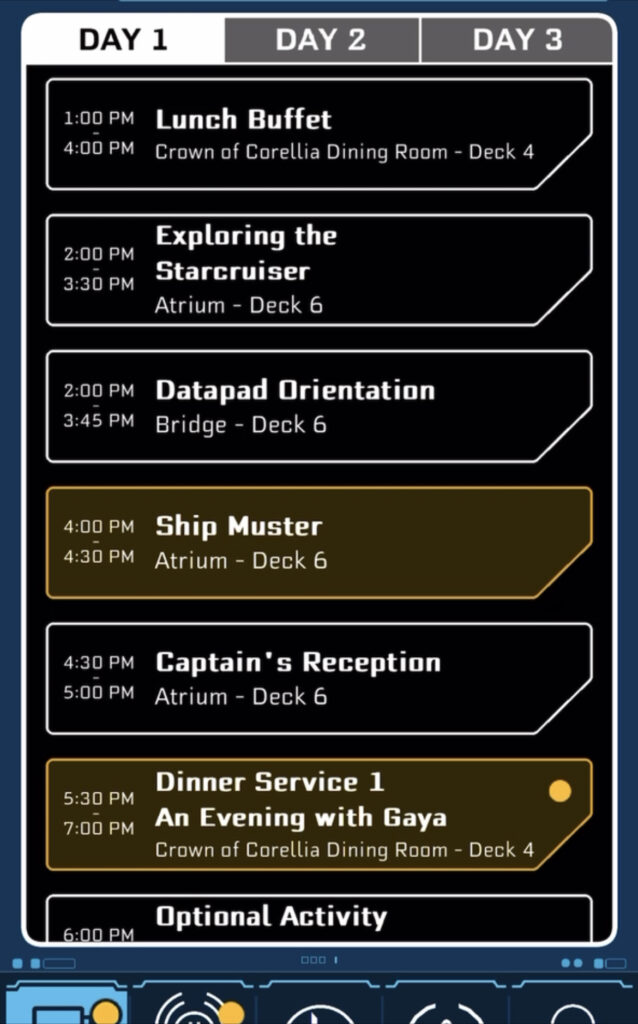
- Events- This tab is where you will find your daily schedule. Your itinerary will be laid out in chronological order, but everyone’s schedule is specific to the individual. If there is a yellow box around the scheduled event, you do not want to miss it. It could mean that the event is for the whole ship, your specific dinner seating, or a training specific to you.
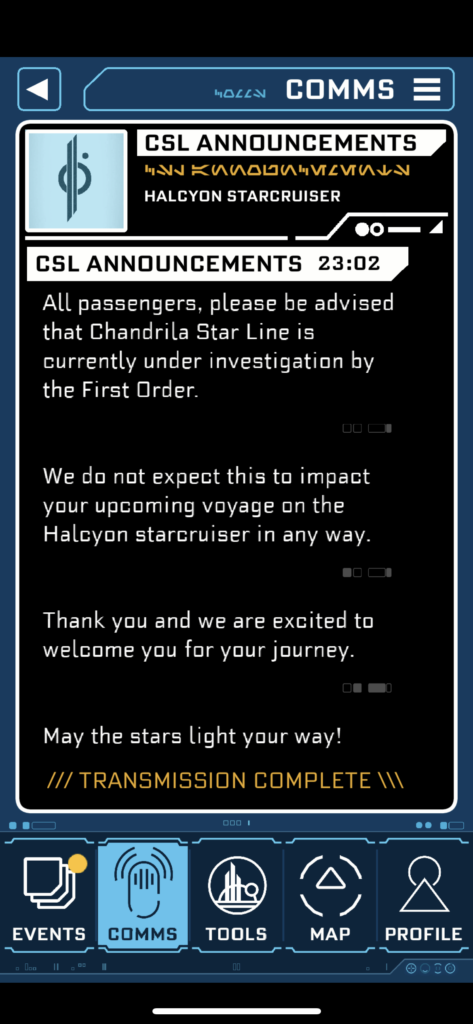
- Comms- This is where you will communicate with various characters on board. These characters are specific to the Star Wars: Galactic Starcruiser storyline. They will give you scenarios and you have options on how you’d like to respond. This button is also where you will make choices to decide which side you are fighting for-- the Rebellion or the First Order. You don’t have to maintain one persona, you can pick and choose back and forth if you’d like.
- Tools- This tab allows you to perform certain actions like tuning or hacking antennas on Batuu, translating galactic language on surrounding doors and signage, and scanning labels to perform duties.
- Map- This tab provides you with a map of the decks while you are on the Halcyon Starcruiser. While you are in Galaxy’s Edge, it also provides you with a map of the land. This comes in very handy when you are looking for certain places to complete your missions.
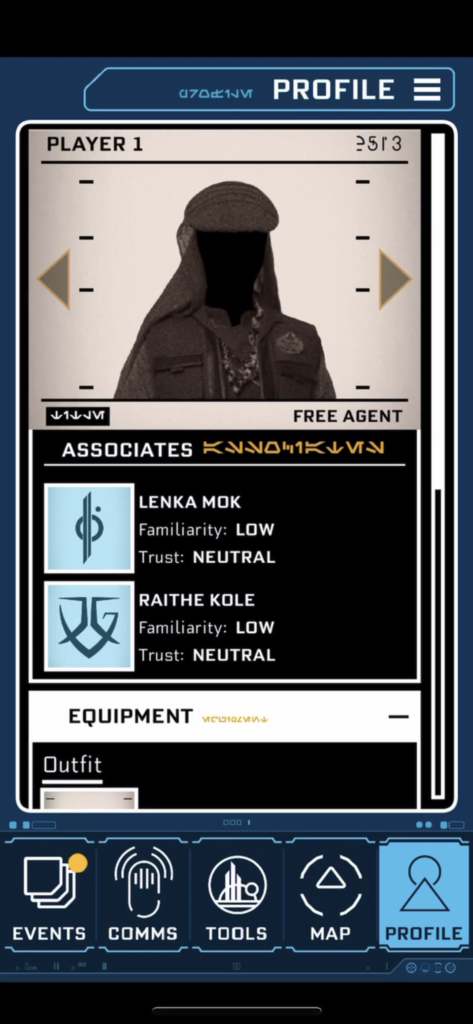
- Profile- This tab provides you with a way to keep track of your voyage, the items you’ve collected, the badges you’ve unlocked as well as where your allegiances lie.
From time to time, your data pad will direct you to report to control panels to continue your missions. These can be found in numerous places throughout the Halcyon ship.

If the Galactic Starcruiser experience sounds like the adventure you’ve been waiting for, please reach out to Mary Alys, an agent with Marvelous Mouse Travels to plan your next vacation or you may contact Marvelous Mouse Travels.
Related